
Create strong passwords
Making your password more complex will keep you safer online (though much more can still be done).
Do you think your password is impossible to guess? The reality is that many people use simple passwords that are easy to remember but make it easy for hackers to gain access to your financial and personal accounts. Making your password more complex will keep you safer online (though much more can still be done).
You should also have more than one password that you use. Just as you wouldn't use the same key for your house, your car, your mailbox and your office, you shouldn't use the same password for all of your online accounts. This exposes you to more risk and increases the likelihood of having your information stolen.
- Use passwords that have at least twelve characters.
- Use a combination of letters, numbers and symbols. This will create a much stronger password. For example, Tim_Chic@go171 is a better alternative than TIMCHICAGO. However, it is important to create a password that you can still remember without having to write it down.
- Another clever trick you can use to create a strong, yet still memorable password is to think of a phrase or a poem and convert the first letters of each word in the phrase into your password. For example, "How much wood could a woodchuck chuck" would become HmWc@wC.
- Using common data such as your name, family member's names, hometown, your birth date or any word that can be found in the dictionary make your password less secure (hackers often have programs that will try every word in the dictionary in order to crack your password).
- Using the same ID/password combination for several different accounts means that if one of your combinations is stolen, all of your accounts are at risk. For instance, if someone steals your password for your online photo site, they will be then able to access your online accounts. Try to use different combinations for your various online accounts.
- Never share your passwords with anyone.
- Be sure to "logout" of online sites when you are finished conducting your business. do not just close the browser or "X" out of the page.
There has been an increase in fraud targeting mortgage closing companies and consumers near the closing date of their dream property.
Making your password more complex will keep you safer online (though much more can still be done).
10 things you can do to ensure the online safety and security of your account.
Socially engineered schemes often rely on methods that financial institutions would never employ.
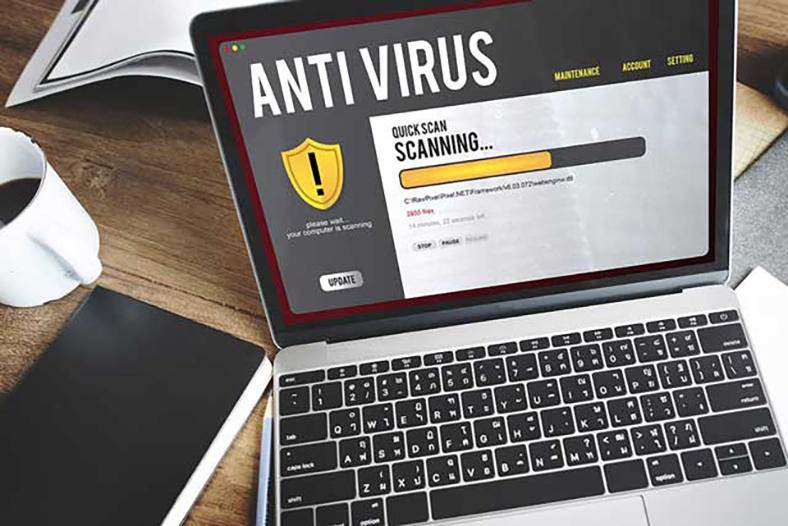
Using anti-virus software and keeping it up-to-date is the best protection against these threats.
Installing a personal firewall is essential to safeguard your computer and valuable personal information.

As consumers become more educated about fraud and identity theft, online criminals are moving to other places to launch their scams.
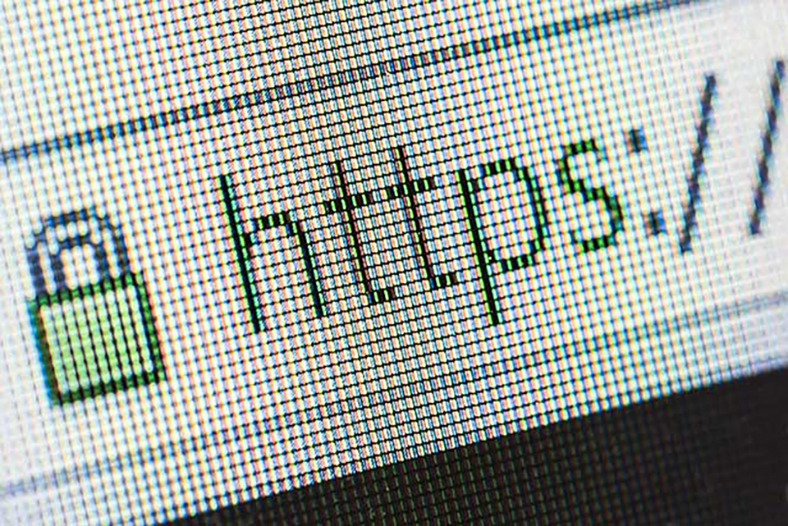
To verify a website is genuine, double click the lock to display the website's security certificate. If the name on the certificate and the name of the website in the address bar do not match, the website may be phony.
Guard your privacy and limit the amount of personal information you share online.
In order to help ensure that you and your information stay safe, check your online account statements frequently.
So that we may notify you as quickly as possible, it is important that Eglin FCU has your cell phone number and accurate email address.
Smartphones give us a lot of freedom and make our lives more efficient, but they also present their own set of challenges when it comes to data security.
We are committed to taking reasonable steps to protect the security of our member's financial information in all areas of our operations.